
DualSense setup
USB is the simple route, Bluetooth is the tidy one, and both are supported.
Pairing is the easy half. This page is mostly about the pad that connects and then does nothing.
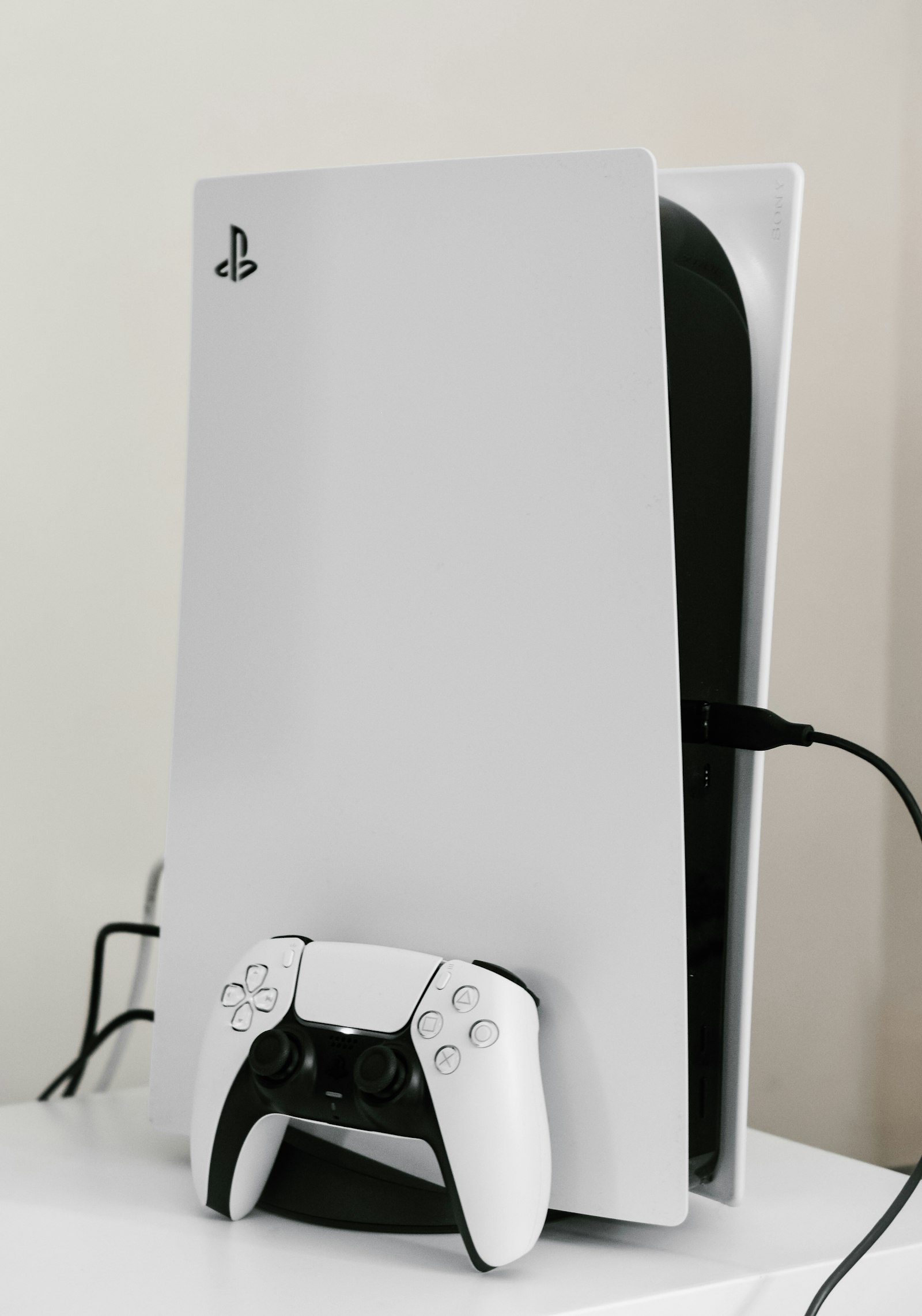
By cable: plug the DualSense into a USB port and wait for Windows to recognise it. Nothing else is needed, and the pad charges while you play.
By Bluetooth: hold Create and the PS button until the light bar flashes, then add it from Windows Settings under Bluetooth and devices. The setup page has the step-by-step version.
This is the common failure, and it is almost always about which program claimed the controller first.
Haptics and adaptive triggers are supported, though how much a title uses them varies. Returnal maps a real function to a half-pressed trigger, while most games treat the features as texture.
For local co-op such as Sackboy, connect every pad before starting the app. Player order follows the order Windows enumerated the devices, which is rarely the order people sat down in.
Most Xbox and third-party gamepads Windows recognises will work. Keyboard and mouse work throughout the launcher and in games, so you are never locked out for want of a pad.
What you lose without a DualSense is the trigger and haptic behaviour, which is a genuine loss in a handful of titles and irrelevant in most.
Another program has usually claimed it. Close Steam and any remapping tool, connect the pad before launching Vesper, and try a USB cable.
Yes. Bluetooth is fine for most play, but USB has lower latency and is worth it in timing-sensitive titles.
Yes, on both Windows 10 and Windows 11, over USB or Bluetooth.
Yes. Connect them all before launching the app, and expect player order to be decided by Windows rather than by you.
Free installer for 64-bit Windows 10 and 11.