Update Windows
Install pending Windows updates and restart before you run the Vesper installer.
What your Windows PC needs to run Vesper, the PlayStation 5 emulator: 64-bit Windows, a Vulkan 1.3 GPU, and the games you already own. Early guidance — emulation is demanding and results vary by title and build.

Emulation performance depends on your hardware, the title, and the build. Treat these as starting points rather than guarantees — and check each title's status in the launcher.
| Component | Minimum | Recommended |
|---|---|---|
| Operating system | Windows 10 or 11, 64-bit | Windows 11, 64-bit |
| Processor | 4-core x64 CPU with AVX2 | 8-core x64 CPU with AVX2 |
| Memory | 8 GB RAM | 16 GB RAM |
| Graphics | Vulkan 1.3–capable GPU (NVIDIA / AMD) with current drivers | Discrete GPU with 8 GB VRAM, latest drivers |
| Storage | SSD: room for the app plus your own games | NVMe SSD with room to spare |
| Input | Keyboard and mouse | DualSense over USB or Bluetooth |
Not yet supported: Windows on Arm, macOS, and Linux. Vesper is not affiliated with Sony Interactive Entertainment.
A little housekeeping goes a long way with early emulation software.
Install pending Windows updates and restart before you run the Vesper installer.
Get the latest driver from your GPU maker's website or app. Vulkan lives in the driver, so old drivers mean broken games.
Leave space for the app, and keep your own games on a fast drive where you can.
Plug in over USB or pair over Bluetooth before launching Vesper. It's the comfiest way to play PS5 titles on PC.
Vesper is built around the DualSense over USB or Bluetooth. Xbox and other gamepads that Windows recognizes work too. If a controller doesn't show up, these usually help.
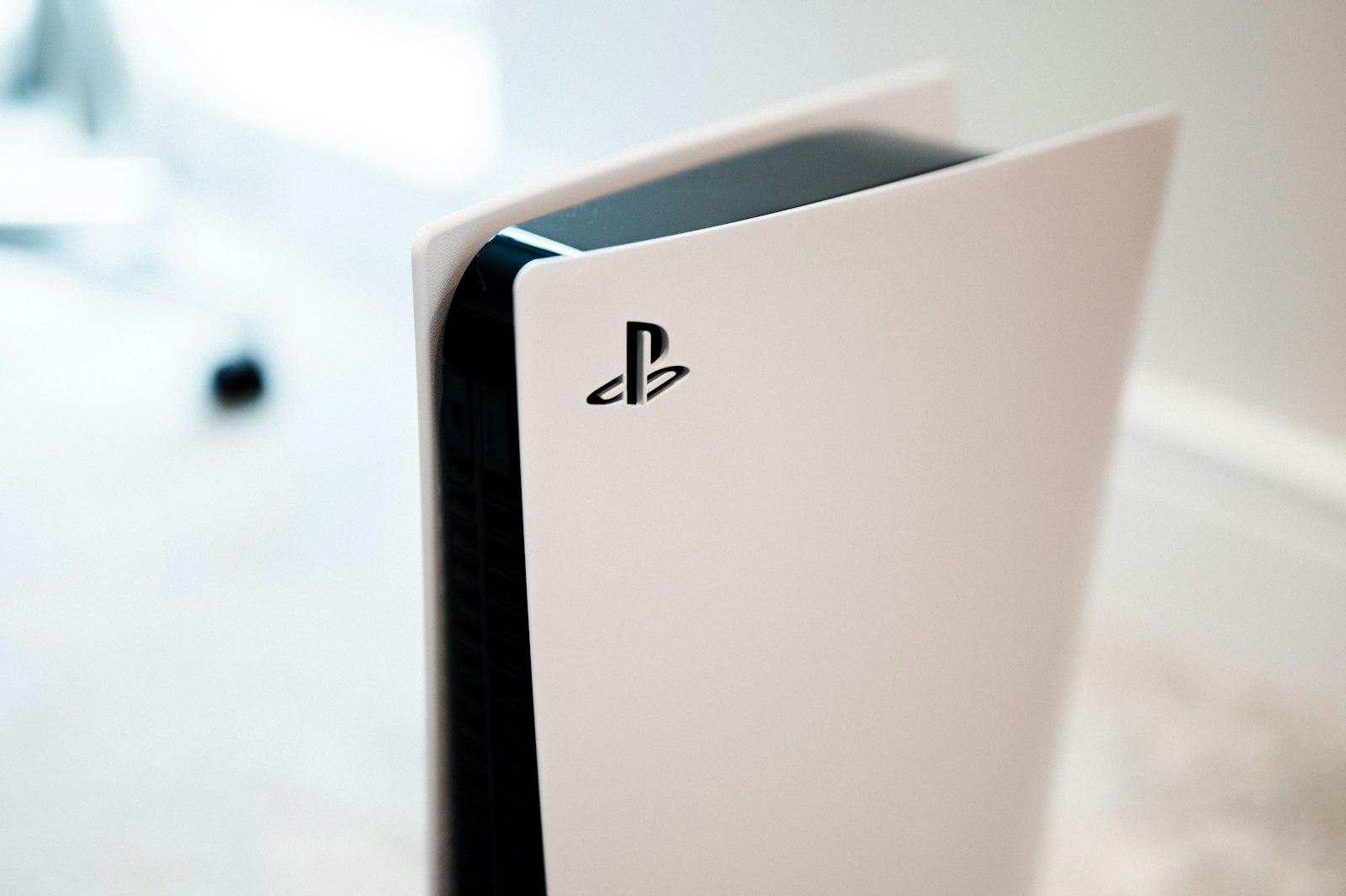
Here's what to expect while Vesper is in early access.
Windows on Arm, macOS, and Linux aren't supported yet.
Every title in the launcher is Stable. 400+ titles in the app.
Expect crashes, glitches, and slow scenes. Vesper makes no resolution or frame-rate promises.
Features and compatibility can change between early-access builds as emulation improves.
Quick fixes for the most common hiccups. The full FAQ has more.
Go to the download page and use the Download Vesper for Windows button. Some browsers ask where to save files first, so check your browser's downloads panel too.
Confirm you're on 64-bit Windows 10 or 11, install pending updates, and restart. Windows on Arm isn't supported yet.
Connect over USB first and make sure Windows recognizes the controller, then reconnect it and reopen Vesper.
Check the title's chip in the launcher — it is Stable. Update your graphics drivers and try the latest Vesper build.
Update your graphics drivers, close heavy background apps, and compare your PC with the recommended spec above. Results vary by title while Vesper is in early access, and Vesper makes no frame-rate promises.

Free Windows installer for 64-bit Windows 10 and 11. Early emulation that gets better with every build.
Not affiliated with Sony Interactive Entertainment. Use Vesper only with games you already own.
